See how Siva Billing works, from scanning the first barcode to reports for the whole business. These are real screens from the Windows billing app and the web dashboard.
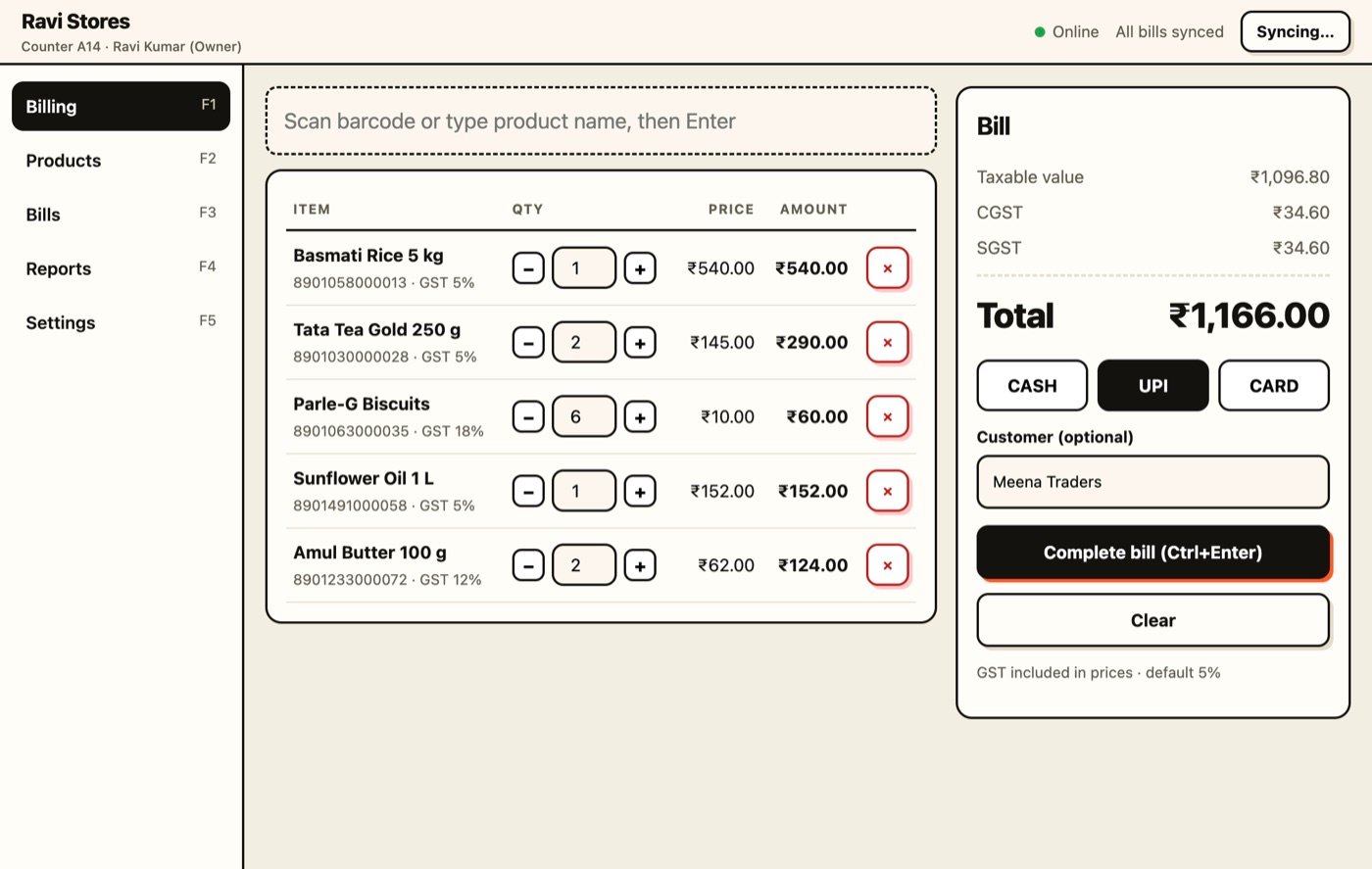
Scan a barcode, the item is added
At the counter, scan with a USB or Bluetooth scanner if you have one, or just type a product name. Items, quantity, GST and the total update instantly. Choose Cash, UPI or Card and complete the bill.
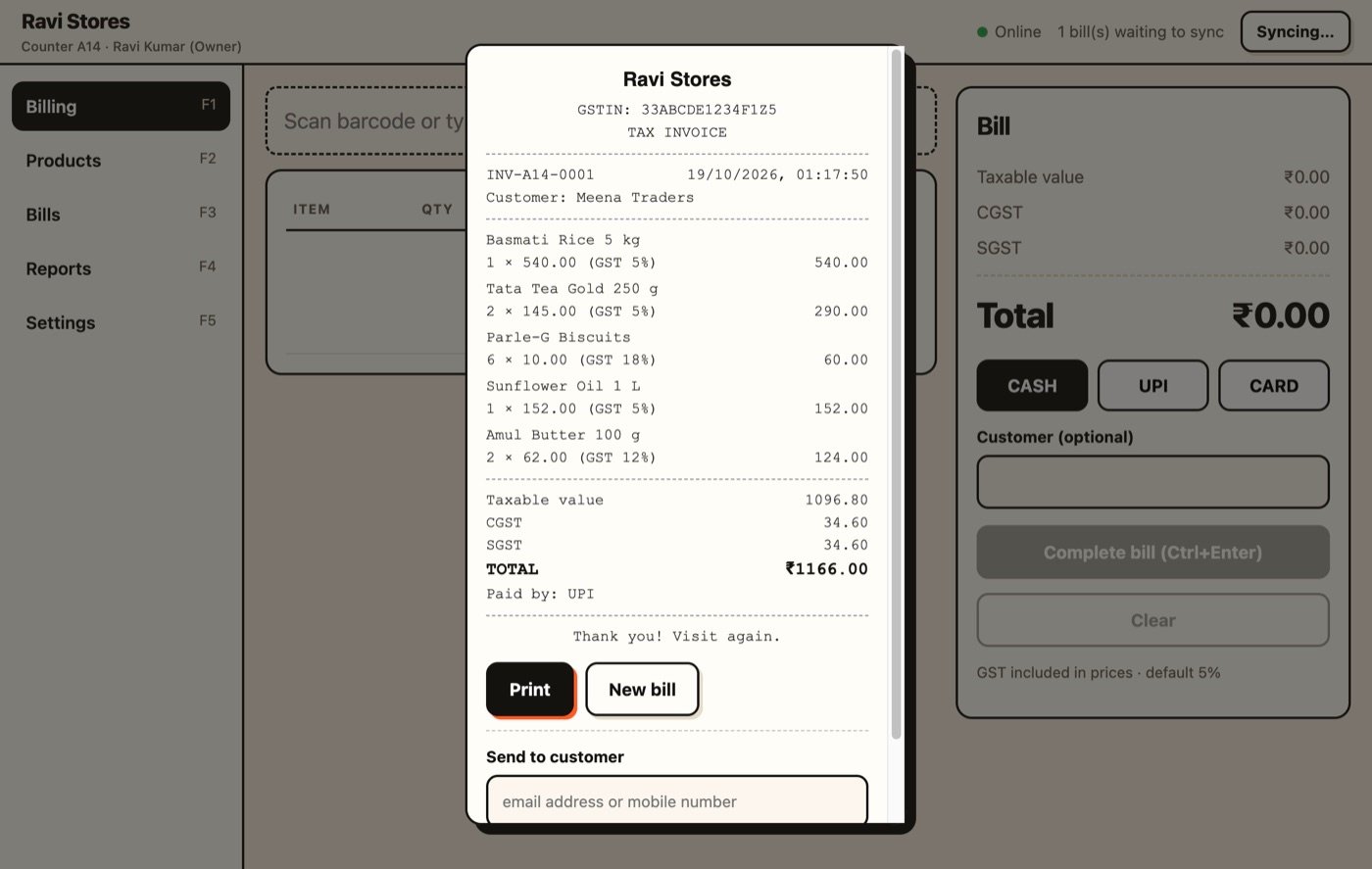
A GST tax invoice, ready to print or share
Every bill shows your GSTIN, the CGST / SGST split and the invoice number. Bills print as an 80 mm receipt for thermal printers, and work on any other printer too. Or save it as PDF, or send it to the customer by email or WhatsApp.
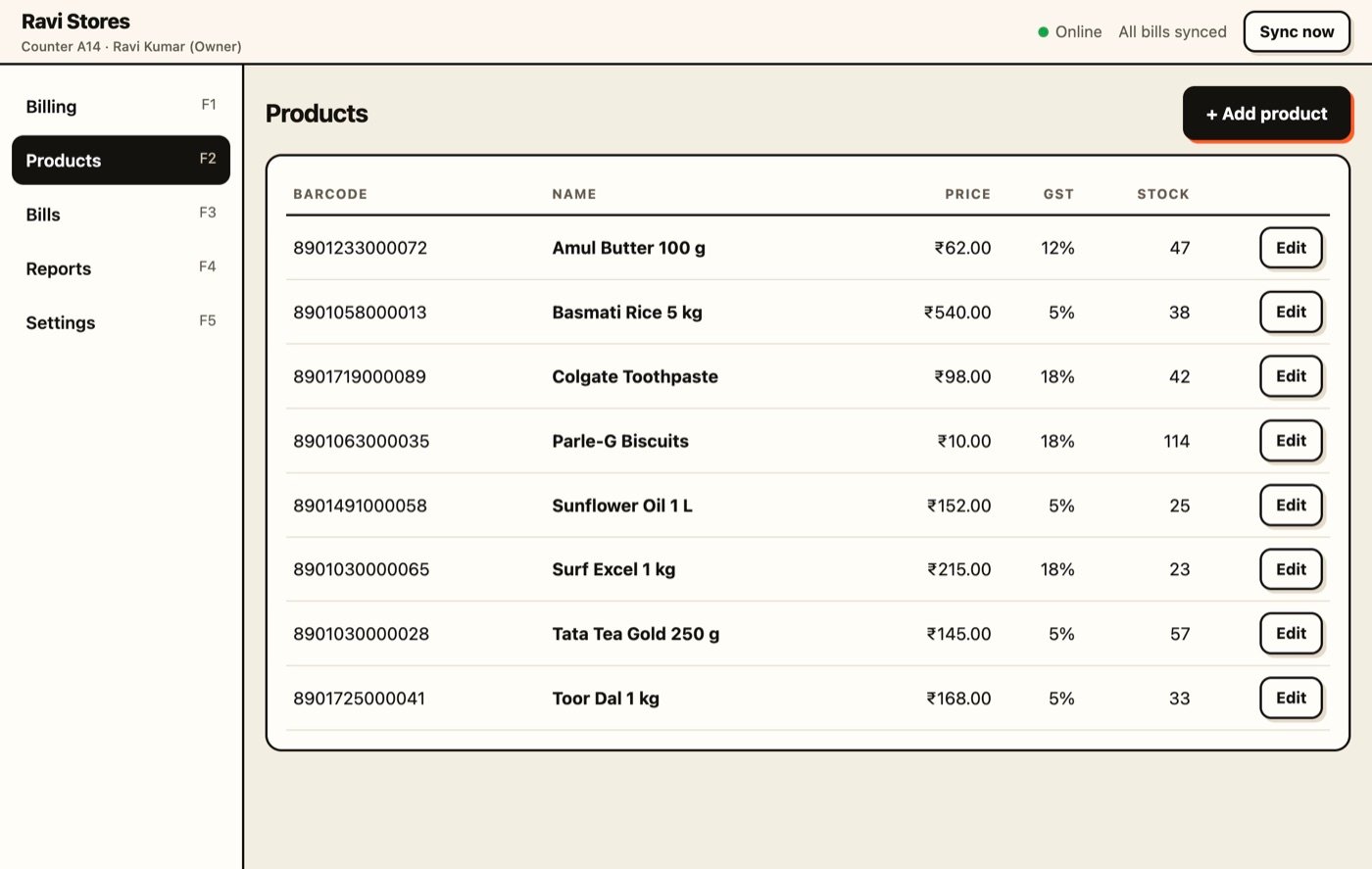
Products, barcodes, GST rate and stock
Keep your product list with barcode, price, GST rate per product and live stock. Stock reduces automatically with every bill.
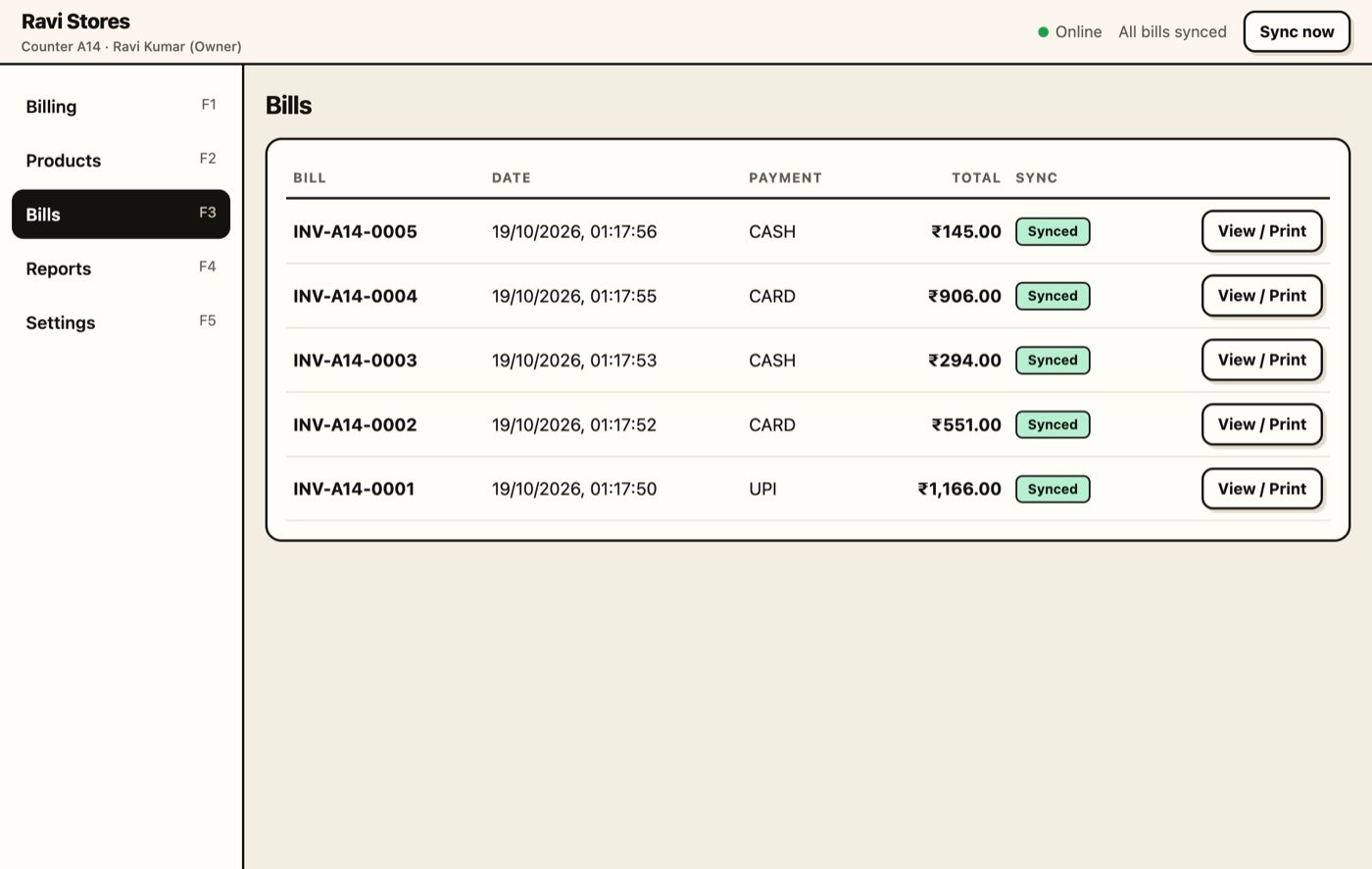
Every bill, synced to the cloud
All bills are listed with date, payment mode and total. They sync to your web dashboard, and keep working offline if the internet drops.
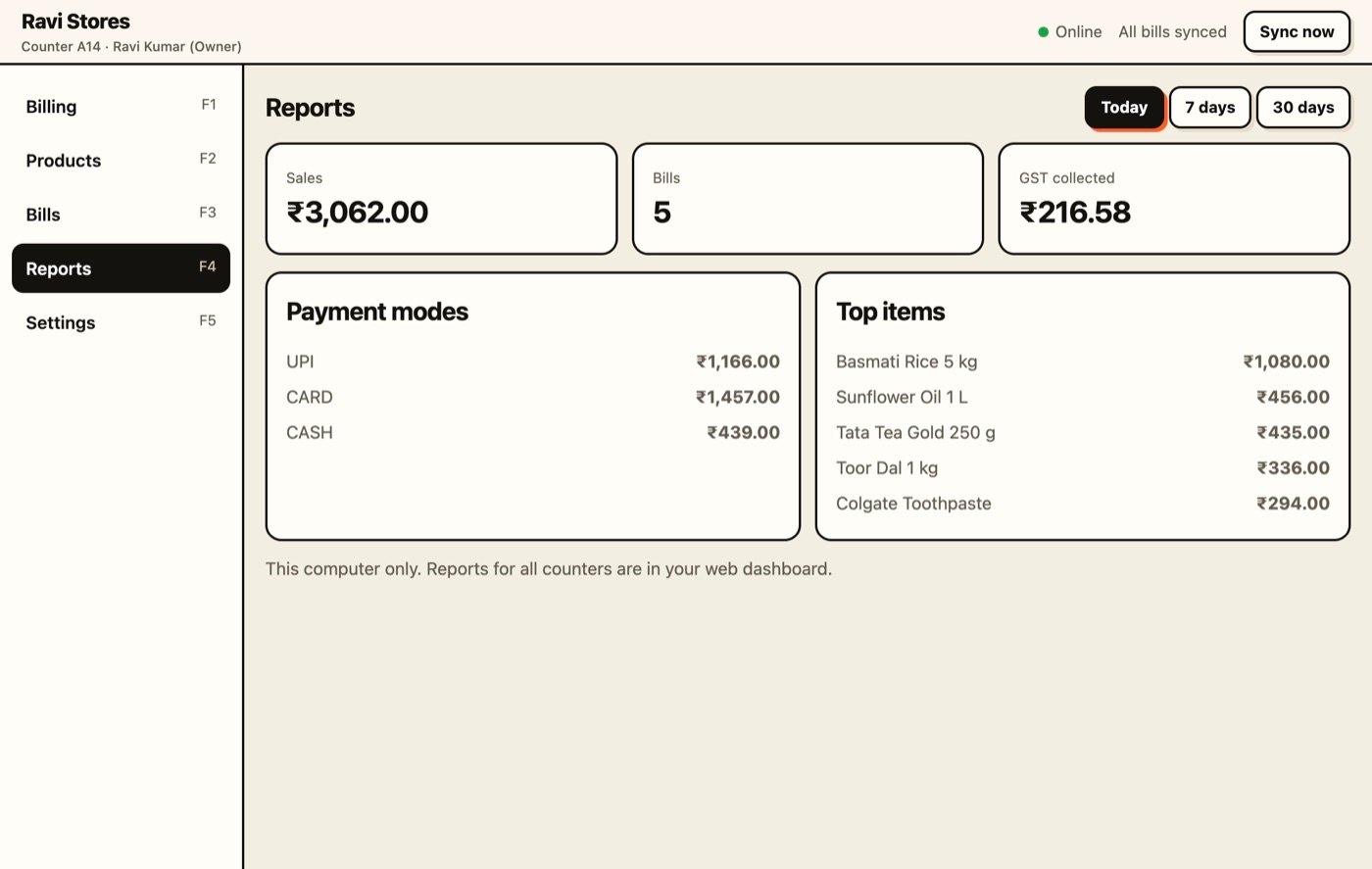
Reports at the counter
Sales, number of bills, GST collected, payment modes and top-selling items for today, 7 days or 30 days.
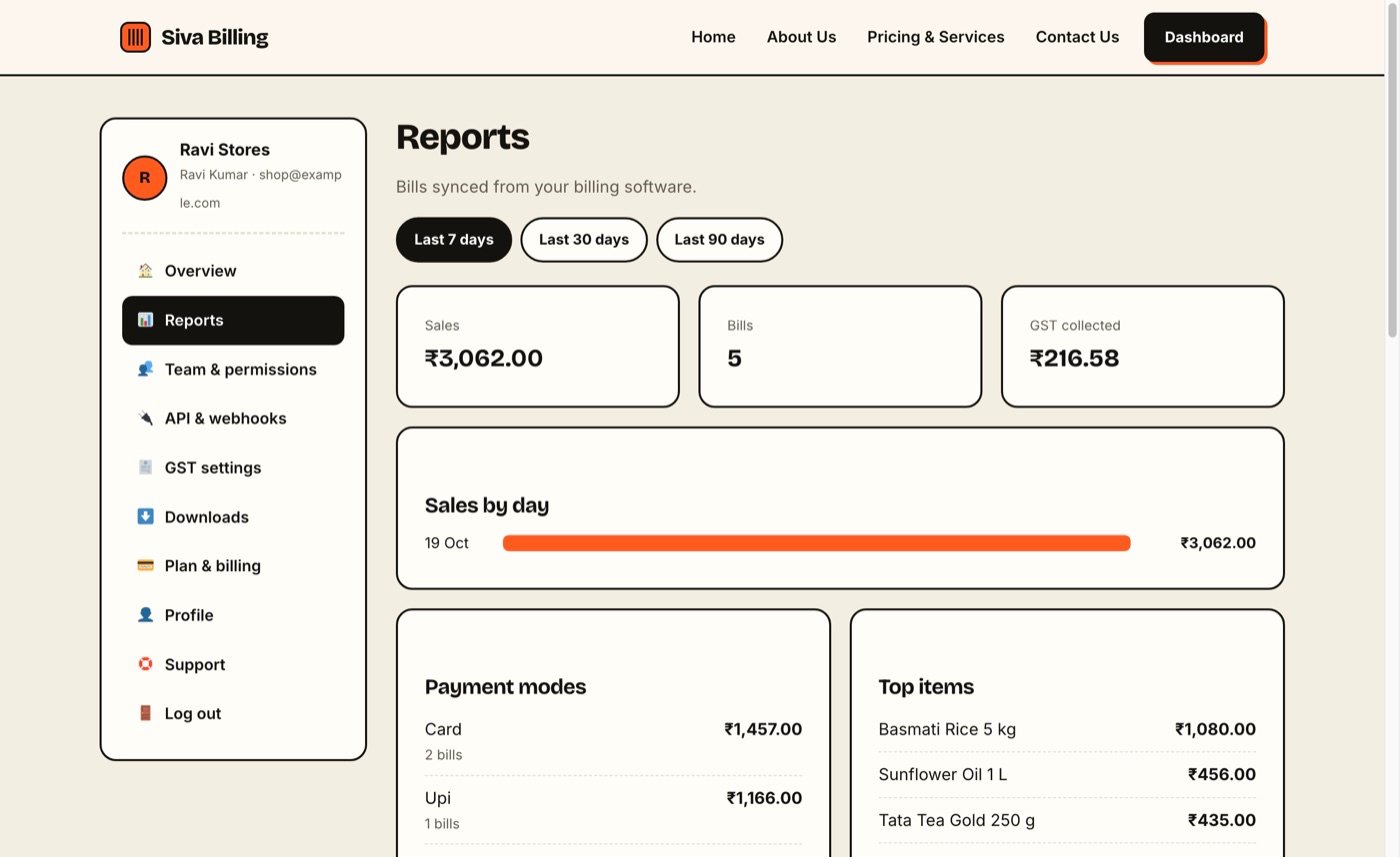
Reports from every counter, in any browser
The owner opens the dashboard from phone or computer and sees sales by day, payment mode and best-selling items for the whole business.
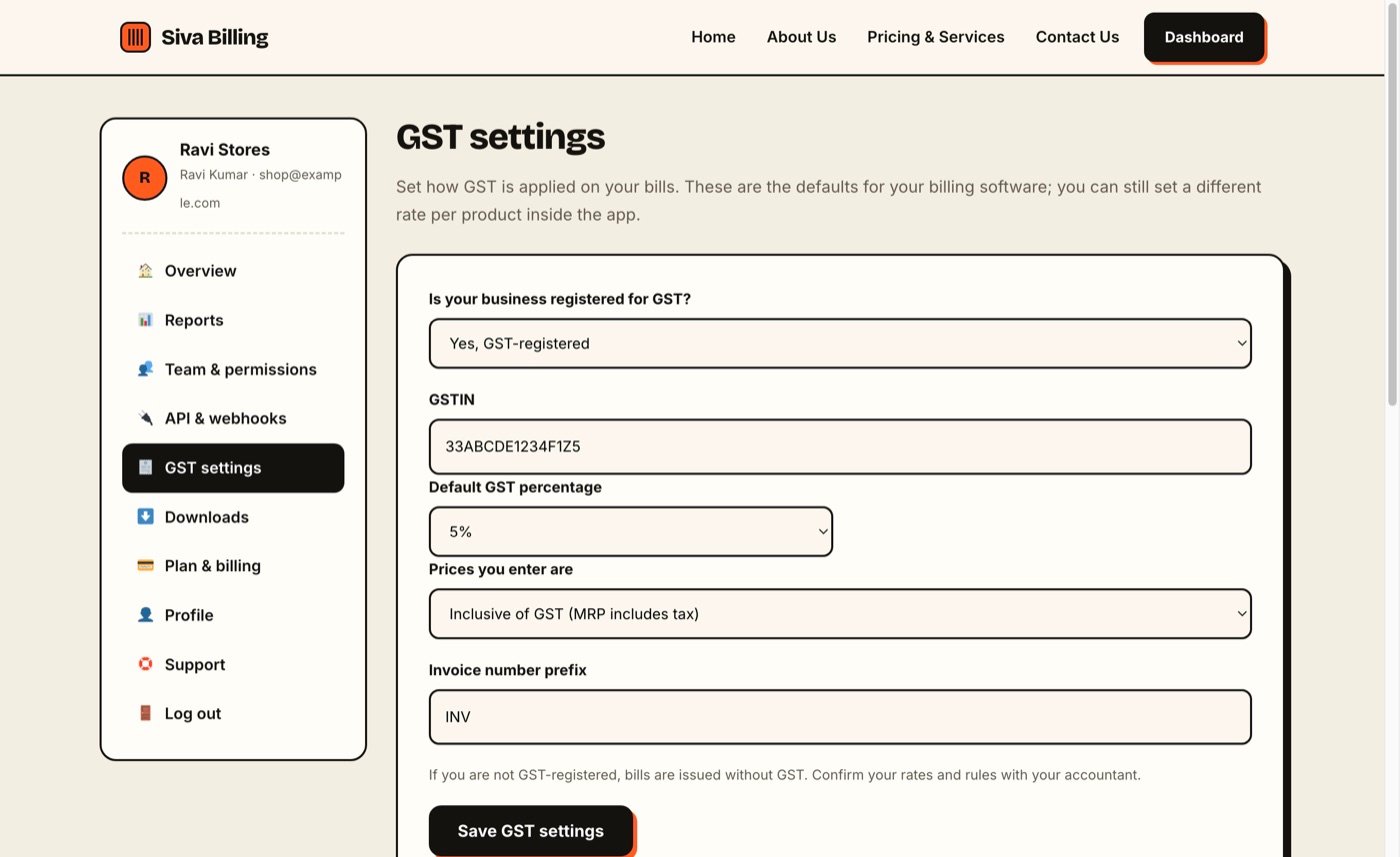
GST settings, set once
Say whether you are GST-registered, enter your GSTIN, choose the default percentage and whether prices include GST. The app picks it up automatically.
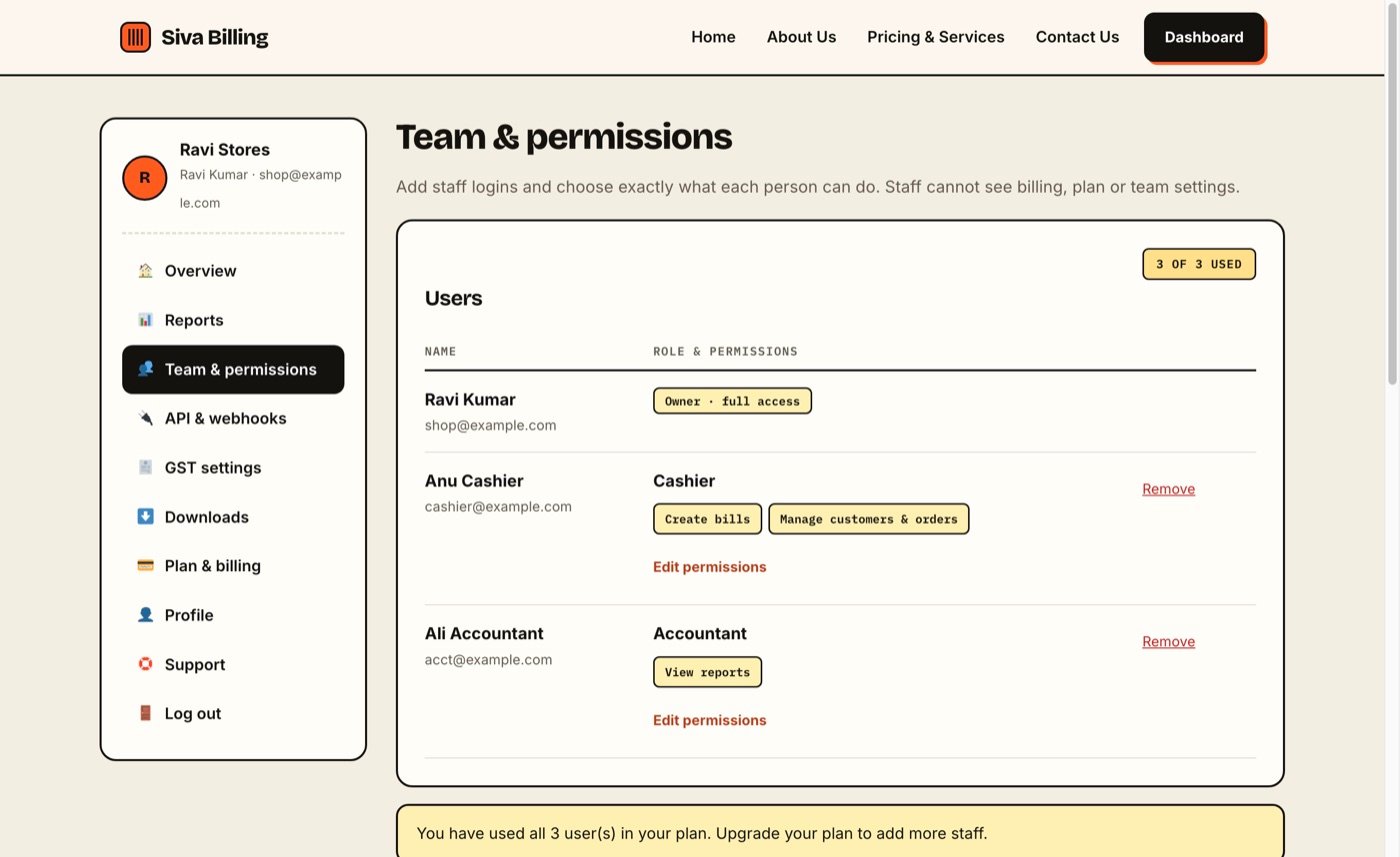
Staff logins with exact permissions
Add cashiers and accountants and choose what each can do: create bills, view reports, manage orders. Staff cannot see billing or plan settings.
Screenshots show sample data from a demo shop.
Want to see it live?
Book a free online demo and we will walk you through it on a video call. No payment or card is needed. Book a free demo or see the pricing.